Operation
How the Haltian EH Locator operates — dual modes, energy harvesting, power management, LED status indicators, configuration, and network planning.
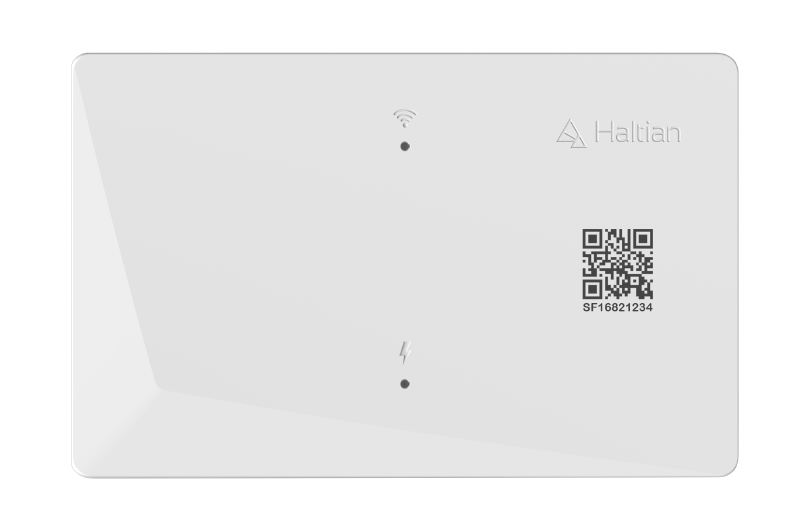
Haltian EH Locator - Light-powered anchor device for Wirepas mesh networks
The Haltian EH Locator is a versatile fixed network element designed for the Haltian Inventory Tracking Solution (HITS). This innovative device can harvest power from indoor lighting or sunlight, eliminating the need for constant external power and enabling flexible installation anywhere indoors.
The EH Locator serves as a critical component in Wirepas mesh networks, providing:
The EH Locator is sometimes referred to as “Solifer” in internal documentation and firmware files.
| Feature | Details |
|---|---|
| Energy Harvesting | Integrated solar panel for indoor light and sunlight harvesting |
| USB-C Power | 5V input for continuous power (supports PoE-USB-C adapters) |
| Internal Battery | 1,850 mAh Li-ion for backup power |
| Operating Modes | Router (mesh networking) or Beacon (positioning only) |
| Mounting Options | Indoor light mount, cable shelf mount, or wall mount |
| Form Factor | 142.4 × 90.4 × 12.4 mm, 138g (158g with bracket) |
| IP Rating | IP40 (indoor use only) |
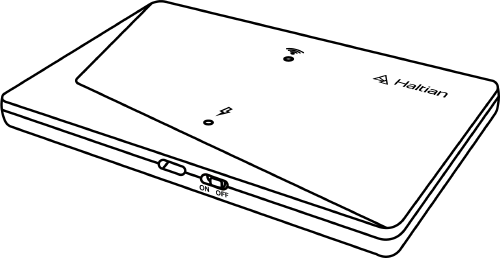
Top view of the Haltian EH Locator showing the solar panel
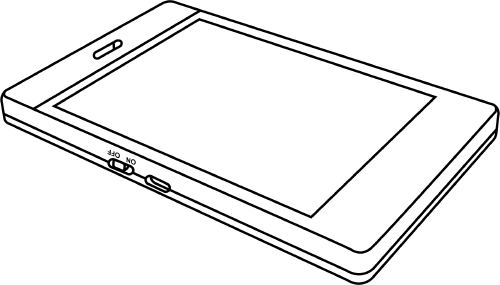
Bottom view showing the power switch and USB-C port
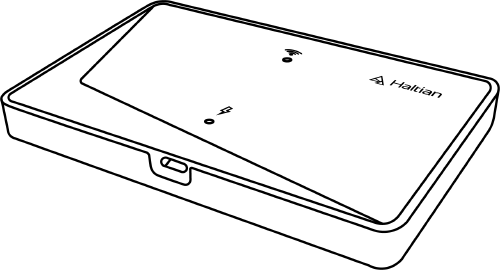
EH Locator with the included mounting bracket
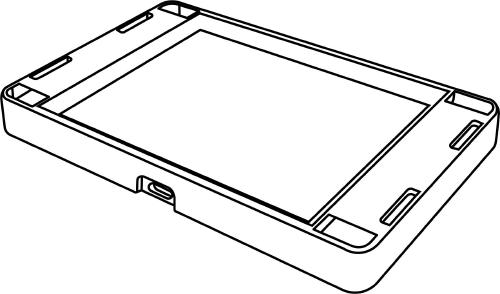
Bottom view of EH Locator with the mounting bracket attached
Deploy multiple EH Locators to create a mesh network covering a warehouse or facility. Tags report to nearest locators, which forward messages to the gateway and cloud platform for real-time asset tracking.
Install EH Locators at regular intervals as positioning reference points. Tags calculate their position based on beacon signals from multiple locators, enabling accurate indoor asset positioning and zone detection.
Add EH Locators to extend Wirepas mesh network coverage, fill coverage gaps in challenging RF environments, and ensure reliable connectivity between tags and gateways.
How the Haltian EH Locator operates — dual modes, energy harvesting, power management, LED status indicators, configuration, and network planning.
Step-by-step installation guide for the Haltian EH Locator covering indoor light mounting, cable shelf mounting, and wall mounting methods.
Technical specifications for the Haltian EH Locator including dimensions, electrical characteristics, environmental ratings, certifications, and device identification.
Troubleshooting guide for the Haltian EH Locator covering power issues, network errors, maintenance schedules, and advanced installation scenarios.