Viewing Devices on Map
View all installed devices with geographic coordinates on a global map
For Viewers & Installers
Roles: Viewer, Installer, Designer, Manager
The global map view shows all installed devices with geographic coordinates.
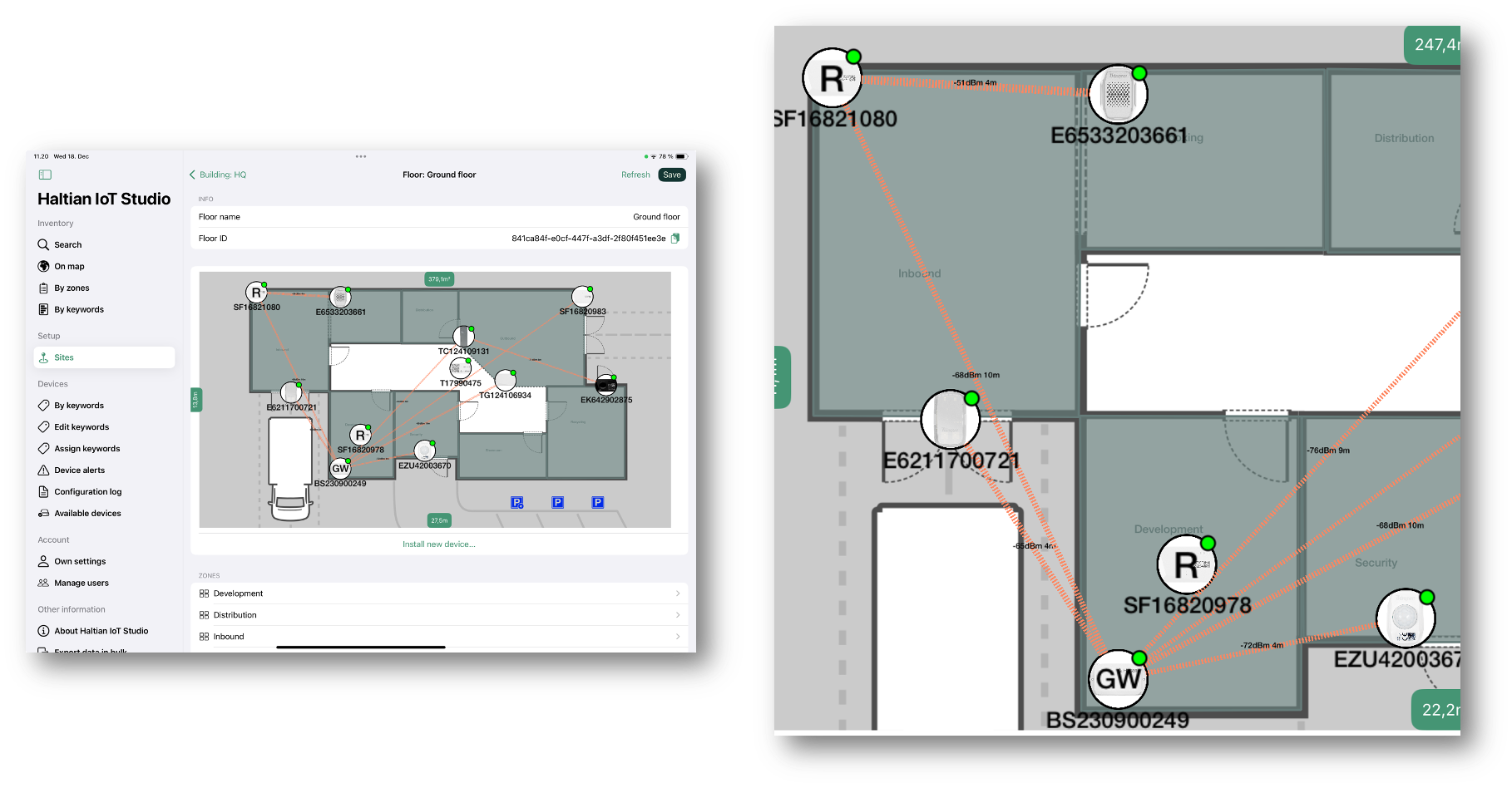
Accessing the Map
From the sidebar, tap On map under the Inventory section.
Map Features
- Device Markers: Devices appear as pins on the map
- Clustering: Devices in close proximity are grouped together
- Zoom: Pinch to zoom in/out
- Pan: Drag to move around the map
Interacting with Devices
- Tap a marker to see device information
- Tap the info popup to open the device detail view
Understanding Map Coverage
Note: Only devices with global coordinates (latitude/longitude) appear on the map. Devices installed on floor plans without geo-referenced coordinates won’t be visible here.
For devices to appear on the global map:
- The floor plan must have global coordinates configured
- The device must be installed on a floor plan
- The floor plan must be geo-referenced to a real-world location
Use Cases
The global map is useful for:
- Overview of deployment: See all devices across multiple sites
- Geographic planning: Understand device distribution
- Site identification: Quickly locate which physical sites have devices
- Multi-site management: Navigate between different locations
Next Steps
- Inventory by Zones - Browse devices by location hierarchy
- Device Details - View detailed device information
- Floor Plan Setup - Configure geo-referenced floor plans