Measurements
Overview
Haltian Field displays real-time and historical sensor measurements for each device. The measurements shown on the Device Details screen depend on the selected device — the app automatically displays all measurement types that the device reports.
Different devices support different measurements. For example, an environmental sensor may show temperature, humidity, and CO₂ readings, while a presence sensor shows occupancy status and movement counts. Device health measurements like battery level and boot count are common across most device types.
Check the device specifications for your specific device model to see which measurements it supports.
Viewing Measurements
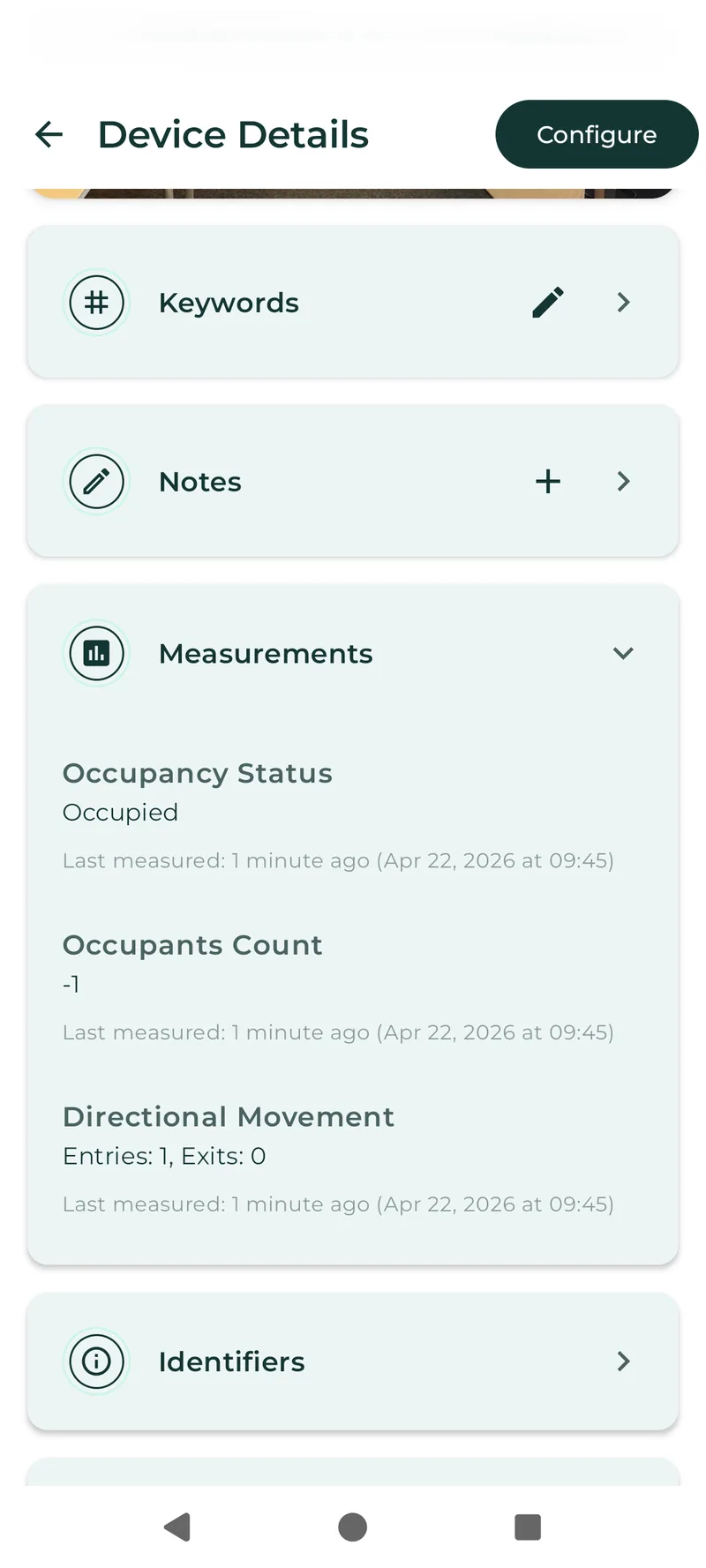
Android
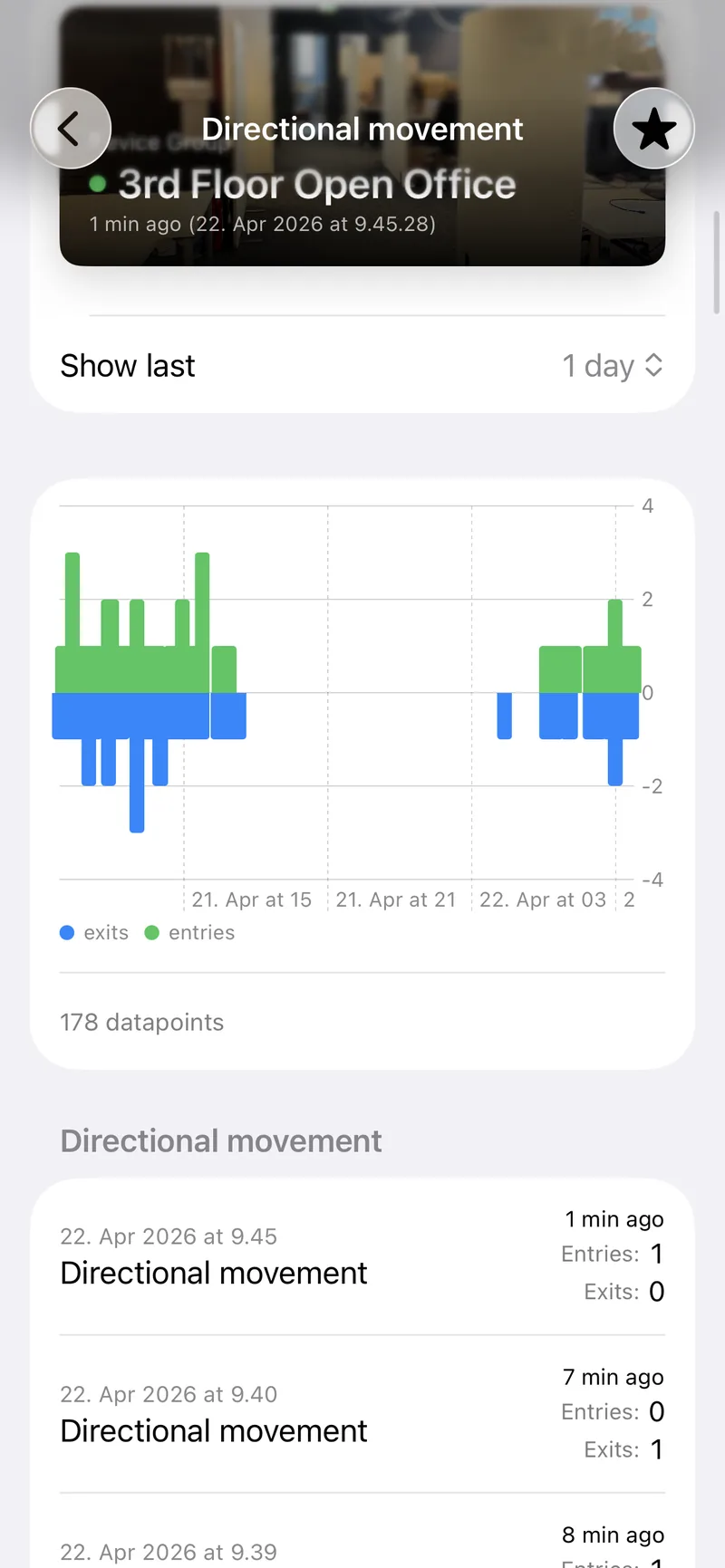
iOS
Each measurement row shows:
- Type name and icon
- Latest value with unit
- Timestamp of the most recent reading
Tap any measurement to open its history chart.
History Chart
The measurement history screen shows a line chart of the last 100 data points for the selected measurement type.
- Tap a data point to see its exact value and timestamp
- Pinch to zoom in/out on the chart
- Swipe to pan across the time range
Adding to Favorites
Tap the star icon on any measurement row to add that device+measurement combination to your Favorites dashboard. This lets you monitor key readings at a glance without navigating to the device each time.